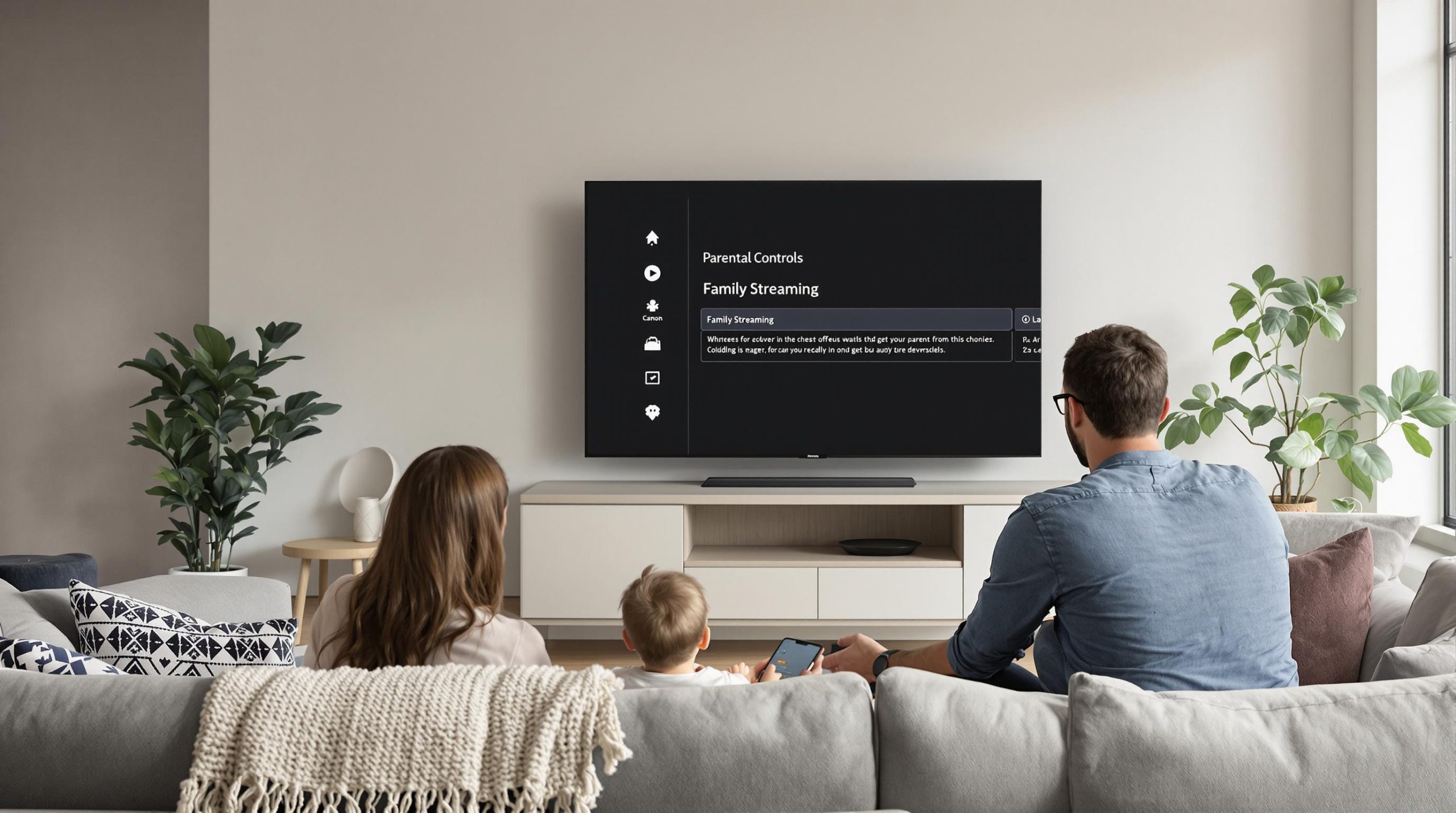
Parents want to let their kids enjoy smart TVs and streaming apps, but keeping track of what gets viewed can feel impossible. Nearly 67 percent of families now use multiple IPTV devices at home, adding new risks that most people never even consider. Most think parental controls are just about blocking a few channels, yet the real power is in features that let you manage everything from age limits to streaming times for each user. Surprised? Advanced tools can actually transform IPTV into the safest screen in the house.
Table of Contents
- Understanding IPTV Parental Controls Features
- Setting Up Parental Locks On IPTV Devices
- Managing Multiple Users And Viewing Profiles
- Tips For Safe 4K And UHD Streaming At Home
Quick Summary
| Takeaway | Explanation |
|---|---|
| Utilize Advanced Parental Controls | Modern IPTV parental control systems offer features like content filtering, time restrictions, and age-based screening, empowering parents to create a safe viewing environment across devices. |
| Implement Device-Specific Strategies | Each IPTV device has unique parental control settings; understanding and configuring these on smart TVs, streaming boxes, and mobile devices is vital for effective content restrictions. |
| Focus on User Profile Management | Creating comprehensive user profiles with individualized content preferences and age-based restrictions enhances safety and tailors the streaming experience for each family member. |
| Maintain Network Security | Securing your home network with robust router settings, device isolation, and regular firmware updates is crucial for safe high-resolution streaming. |
| Monitor Streaming Activity | Regularly reviewing viewing history and streaming activity logs helps parents manage content access effectively and encourages responsible viewing habits among family members. |
Understanding IPTV Parental Controls Features
IPTV parental controls represent a critical technology for families navigating the complex world of digital streaming. These sophisticated tools empower parents to create a safe and age-appropriate viewing environment across multiple devices and platforms.
Key Functionality of Parental Control Systems
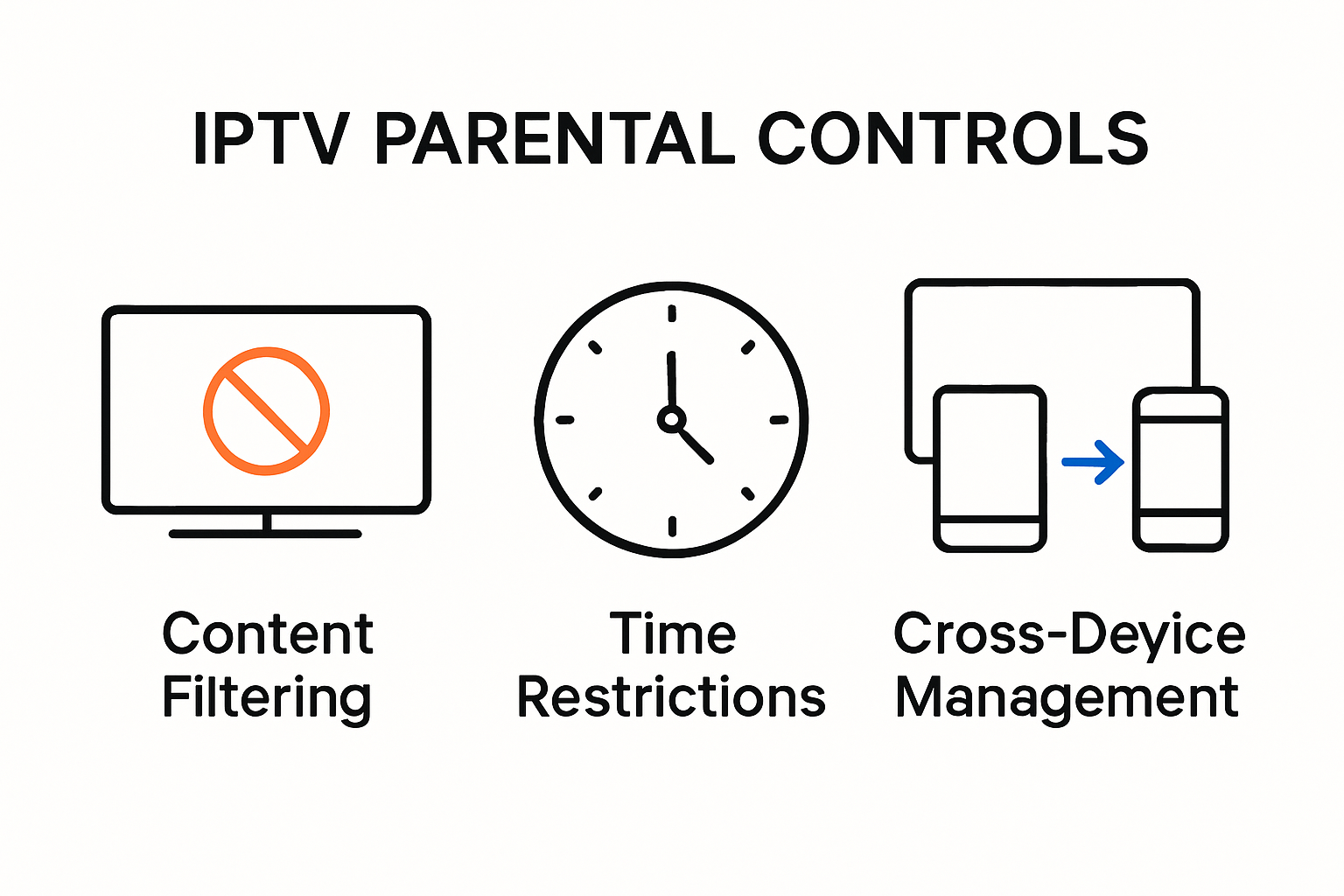
Modern IPTV parental control systems go far beyond simple channel blocking. Learn more about advanced streaming protections with comprehensive features designed to give parents granular control over their family’s media consumption. The National Cable & Telecommunications Association (NCTA) highlights that effective parental controls now include multiple layers of protection.
These advanced systems typically offer several critical mechanisms:
- Content Filtering: Automatically block channels or programs with mature ratings
- Time Restrictions: Set viewing windows for specific users or device profiles
- Age-Based Screening: Customize access based on predefined content ratings
According to research from the National Consumers League, the V-chip technology remains a foundational element of modern parental control strategies. This technology allows parents to programmatically block television content based on specific ratings, providing a first line of defense against inappropriate material.
Security and Privacy Considerations
While parental controls offer significant benefits, they are not without potential risks. A 2020 academic study titled ‘Betrayed by the Guardian’ revealed critical security vulnerabilities in many parental control solutions. The research emphasized the importance of carefully evaluating these tools to ensure they do not inadvertently compromise family digital privacy.
Key security considerations include:
- Ensuring encrypted communication channels
- Protecting user profile data
- Preventing unauthorized access to control settings
For families considering IPTV services, understanding these nuanced features becomes crucial. Modern parental control systems are no longer simple on/off switches but sophisticated platforms that adapt to evolving digital entertainment landscapes.
The most effective IPTV parental control systems provide:
- Detailed activity reporting
- Cross-device synchronization
Parents can now monitor and manage content access across smart TVs, mobile devices, and streaming platforms with unprecedented precision. This level of control transforms how families interact with digital media, creating safer and more intentional viewing experiences.
To better visualize the critical functions and security considerations of IPTV parental controls, the following table summarizes their main features and benefits:
| Feature | Description | Benefit |
|---|---|---|
| Content Filtering | Blocks channels/programs with mature ratings | Safer, age-appropriate viewing |
| Time Restrictions | Sets viewing windows per user/profile | Limits screen time effectively |
| Age-Based Screening | Customizes access based on content ratings | Prevents access to unsuitable content |
| Detailed Activity Reporting | Tracks and logs watching history | Enables parental oversight |
| Cross-Device Synchronization | Syncs settings across TVs, mobiles, streaming platforms | Consistent protection on all devices |
| Encrypted Communication | Secures data transmission between app/devices | Protects family privacy |
| PIN Protection | Requires code to change settings/access profiles | Prevents unauthorized content changes |
Setting Up Parental Locks on IPTV Devices
Configuring parental locks on IPTV devices requires a strategic approach to ensure comprehensive digital safety for families. Explore our comprehensive streaming protection guide to understand the nuanced process of implementing robust parental controls across different devices and platforms.
Device-Specific Configuration Strategies
Each IPTV device demands a unique approach to parental control setup. According to the American Academy of Pediatrics, parents must understand the specific settings available on their streaming platforms to create effective content restrictions.
Typical device configuration steps include:
- Smart TV Settings: Navigate to system preferences and locate parental control options
- Streaming Boxes: Use built-in account management tools for content filtering
- Mobile Devices: Utilize platform-specific restrictions in device settings
The National Cable & Telecommunications Association recommends creating separate user profiles for each family member. This approach allows for granular control and personalized viewing experiences.
Advanced Parental Control Techniques
Beyond basic channel blocking, modern IPTV parental controls offer sophisticated management tools. The Better Internet for Kids initiative suggests implementing multi-layered protection strategies.
Advanced techniques include:
- Establishing comprehensive PIN protection
- Creating time-based viewing schedules
- Implementing content rating filters across all devices
Families should regularly update their parental control settings, as streaming platforms continuously evolve their security features. Periodic review ensures that protection mechanisms remain current and effective.
Key considerations for robust parental lock implementation:
- Use strong, unique PIN codes
- Enable automatic content filtering
- Monitor device access logs
Successful parental control setup transforms IPTV from a potential risk to a safe, educational entertainment platform. By understanding device-specific tools and implementing comprehensive restrictions, parents can create a secure digital environment that balances entertainment and responsible viewing.
For a clearer overview, the table below outlines setup steps and key practices for configuring parental locks on common IPTV devices:
| Device Type | Setup Step | Key Practice |
|---|---|---|
| Smart TV | System Preferences > Parental Controls | Use unique PIN codes |
| Streaming Box | Account Management Tools > Content Filtering | Enable automatic filtering |
| Mobile Device | Device Settings > Restrictions | Regularly update security settings |
| All Devices | Create Separate User Profiles | Set per-profile restrictions |
| All Devices | Monitor Access Logs | Review activity regularly |
Managing Multiple Users and Viewing Profiles
Managing multiple users and viewing profiles represents a critical aspect of modern IPTV parental control strategies. 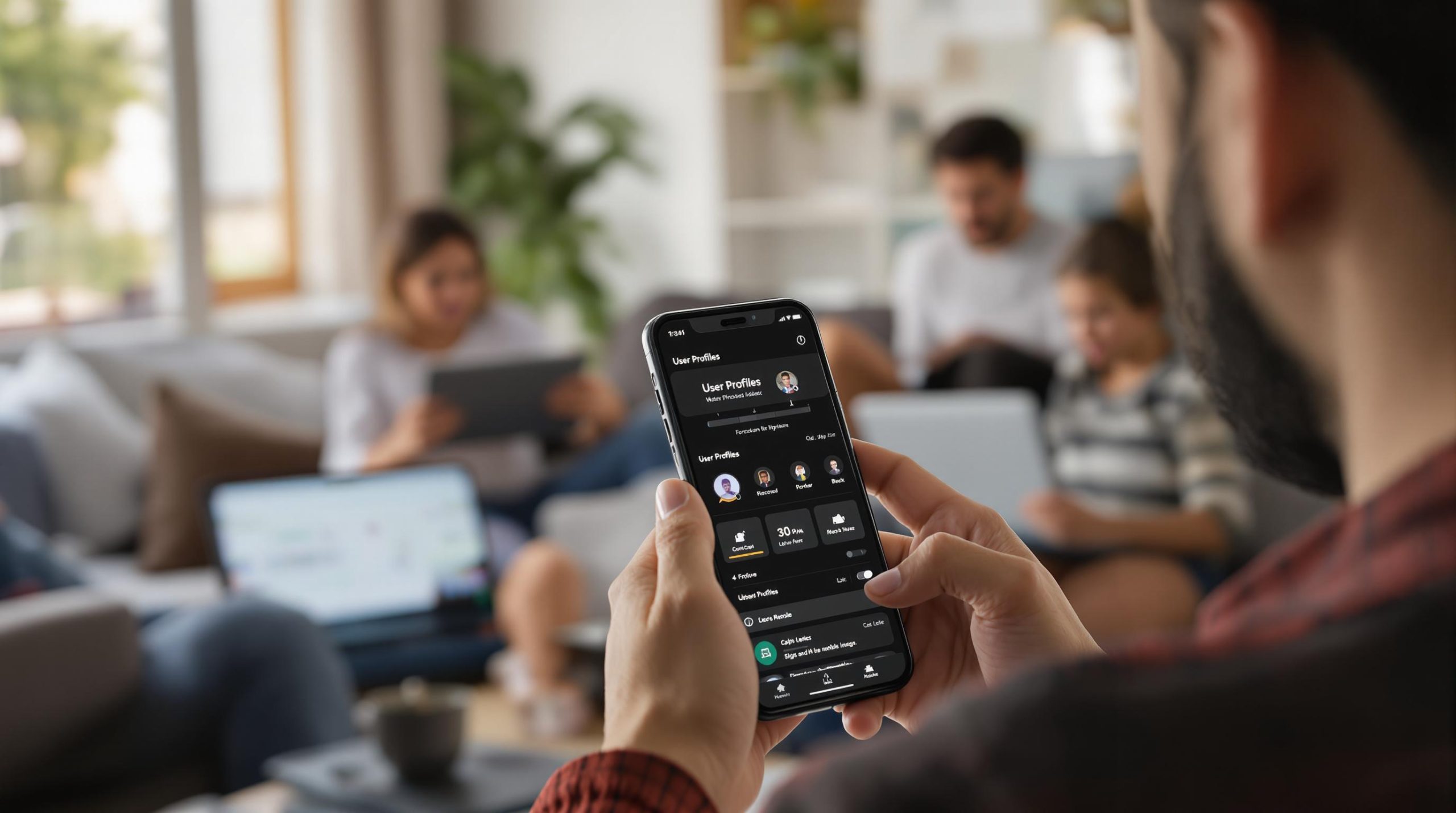 Discover advanced profile management techniques that enable families to create personalized and secure streaming experiences for every household member.
Creating Comprehensive User Profiles
Effective user profile management goes beyond simple account creation. According to ScreenSense, successful multi-user setups require strategic configuration that addresses individual viewing needs and age-appropriate content restrictions.
Key elements of robust user profile design include:
- Individual Content Preferences: Customize recommendations and access levels
- Age-Based Restrictions: Implement granular content filtering
- Viewing History Tracking: Monitor and manage individual user activities
The Better Internet for Kids initiative emphasizes the importance of creating distinct profiles that balance safety with personalized entertainment experiences.
Advanced Profile Management Techniques
Modern IPTV platforms offer sophisticated tools for managing multiple user profiles. Riverview Studios highlights several advanced techniques that families can leverage to create comprehensive viewing environments:
- Implement PIN-protected adult profiles
- Create child-specific profiles with strict content limitations
- Set individual screen time restrictions
- Configure automatic content filtering
The most effective multi-user systems provide:
- Detailed activity reporting
- Customizable viewing schedules
- Seamless profile switching
- Comprehensive content categorization
Parents can now exercise unprecedented control over their family’s digital media consumption. By strategically designing user profiles, families can ensure a safe, engaging, and personalized streaming experience that adapts to each individual’s needs and preferences.
Successful profile management transforms IPTV from a potential risk into a tailored entertainment platform. The ability to create distinct, secure, and customizable viewing experiences represents a significant advancement in family-friendly digital media consumption.
Tips for Safe 4K and UHD Streaming at Home
Streamlining safe 4K and UHD streaming requires a comprehensive approach to digital family entertainment. Learn about optimizing high-resolution streaming to ensure both exceptional quality and robust parental controls.
Network and Technical Safety Considerations
Safe high-resolution streaming starts with securing your home network. Protect Young Eyes emphasizes that smart TVs demand the same level of digital protection as smartphones and computers.
Key network security strategies include:
- Wireless Network Protection: Configure robust router security settings
- Device Isolation: Create separate networks for streaming devices
- Regular Firmware Updates: Maintain current security patches on all streaming equipment
The Better Internet for Kids initiative recommends implementing multi-layered security approaches to safeguard high-definition streaming environments.
Content Management in High-Resolution Streaming
Managing content becomes more complex with 4K and UHD streaming platforms. According to ScreenSense, advanced streaming requires nuanced content filtering strategies.
Recent Posts
- IPTV vs Satellite TV: Which Is Best for 2025 Streaming?
- How to Update IPTV App Easily for Better Streaming 2025
- What Is M3U Playlist? Streaming Benefits for 2025
- IPTV Download 2025: Stream 4K TV Easily at Home
- Best IPTV TV Services 2025: 4K Streaming and Top Features
- IPTV Parental Controls: Secure Family Streaming in 2025
- How to Set Up IPTV on Smart TV Philips for Ultra HD Streaming 2025
Effective content management techniques include:
- Disabling autoplay features
- Setting maturity level restrictions
- Monitoring viewing history comprehensively
- Implementing time-based access controls
Parents must recognize that high-resolution streaming introduces additional complexity to digital content management. The immersive nature of 4K and UHD content demands more sophisticated parental oversight.
Key recommendations for safe high-resolution streaming:
- Use age-appropriate content filters
- Configure granular viewing permissions
- Regularly review streaming activity logs
- Educate family members about responsible streaming
Successful 4K and UHD streaming requires a proactive approach to digital safety. By combining technical security measures with comprehensive content management, families can create a secure, engaging streaming environment that balances entertainment quality with responsible viewing practices.
Frequently Asked Questions
What are IPTV parental controls?
IPTV parental controls are tools that allow parents to manage and restrict content accessed on IPTV devices. These features include content filtering, age-based restrictions, and time limitations to create a safe viewing environment for children.
How can I set up parental controls on my IPTV device?
To set up parental controls on your IPTV device, navigate to the system or settings menu, find the parental control options, and configure the desired restrictions, such as creating user profiles and setting viewing limits.
Are there advanced features in IPTV parental controls?
Yes, modern IPTV parental controls offer advanced features such as detailed activity reporting, cross-device synchronization, and customizable viewing schedules, allowing parents to manage their family’s viewing experience more effectively.
How do I ensure my home network is secure for IPTV streaming?
To secure your home network for IPTV streaming, implement robust router settings, enable encryption, create device isolation, and regularly update firmware to maintain security patches.
Make Family Streaming Safer and Smarter—Choose Better Controls Today
Worried about what your kids might stumble upon when streaming? The article highlighted real risks and struggles many families face, from confusing device settings to the need for stronger access profiles and advanced parental controls. If you want more than just basic filters and crave true peace of mind, there is a way to turn your IPTV setup into a secure entertainment hub everyone can enjoy. Find flexible options with strong parental controls and unmatched quality in the IPTV Subscription Plans at Static IPTV.

Take action now to protect your family, while still opening up a world of movies, live TV, and kid-safe content. Get started at https://staticiptv.live for powerful features like user profiles, viewing history, content filters, and top-tier streaming stability. Choose a plan designed for modern families that refuse to compromise on safety or fun.
Recommended
- IPTV Streaming in 2025: High-Quality, 4K, and Affordable TV
- Dr. Christopher J. Moore | IPTV & Network Expert
- IPTV UK 2025: What to Expect from the Next Generation

Dr. Christopher J. Moore is a U.S.-based authority in IPTV and network engineering with more than 20 years of hands-on experience. He specializes in optimizing digital streaming infrastructure and offers practical, expert insights on StaticIPTV.live to help users improve performance and reliability.
Education
-
Ph.D. in Network Engineering – Moscow Institute of Physics and Technology
-
M.S. in Computer Science – Stanford University
Publications & Recognition
-
“Optimizing IPTV Streaming for Enhanced User Experience” – IEEE Transactions on Multimedia
-
Award for Excellence in Network Engineering – Russian Academy of Sciences
-
Featured contributor on IPTV innovation in Communications of the ACM
-
Keynote speaker – International Conference on Network Protocols
Dr. Moore continues to bridge complex network technology with real-world IPTV solutions, making him a trusted voice in the industry.