Streaming your favorite shows on an IPTV app feels effortless until buffering, glitches, or missing channels crash the vibe. Most people ignore updates, thinking they only fix minor bugs. The shocker is regular updates can cut streaming interruptions by over 50 percent and protect you from security threats that pop up every week. Miss an update and you might lose access to fresh features and even entire content libraries.
Table of Contents
- Why You Should Update Your IPTV App
- Step-By-Step Guide: Updating IPTV On Any Device
- Troubleshooting Common IPTV Update Issues
- Getting The Most From The Latest IPTV Features
Quick Summary
| Takeaway | Explanation |
|---|---|
| Regularly update your IPTV app | Keeping your app updated enhances security and performance, reducing vulnerabilities and optimizing your streaming experience. |
| Follow device-specific update processes | Ensure successful updates by adhering to the tailored procedures for your specific streaming device, whether it’s a smart TV or mobile. |
| Troubleshoot common update issues | Address potential problems like slow downloads or installation errors by restarting devices and checking network connections for stability. |
| Maximize new features with updates | Utilize advanced technologies and personalization options in updated apps for a better viewing experience that fits your preferences. |
| Explore settings and release notes | Familiarize yourself with new functionalities and customize settings to enhance your overall IPTV usage and enjoyment. |
Why You Should Update Your IPTV App
Updating your IPTV app is not just a routine task but a critical step in maintaining an optimal streaming experience. Modern streaming technologies evolve rapidly, and staying current ensures you maximize your entertainment potential.
Security and Performance Enhancements
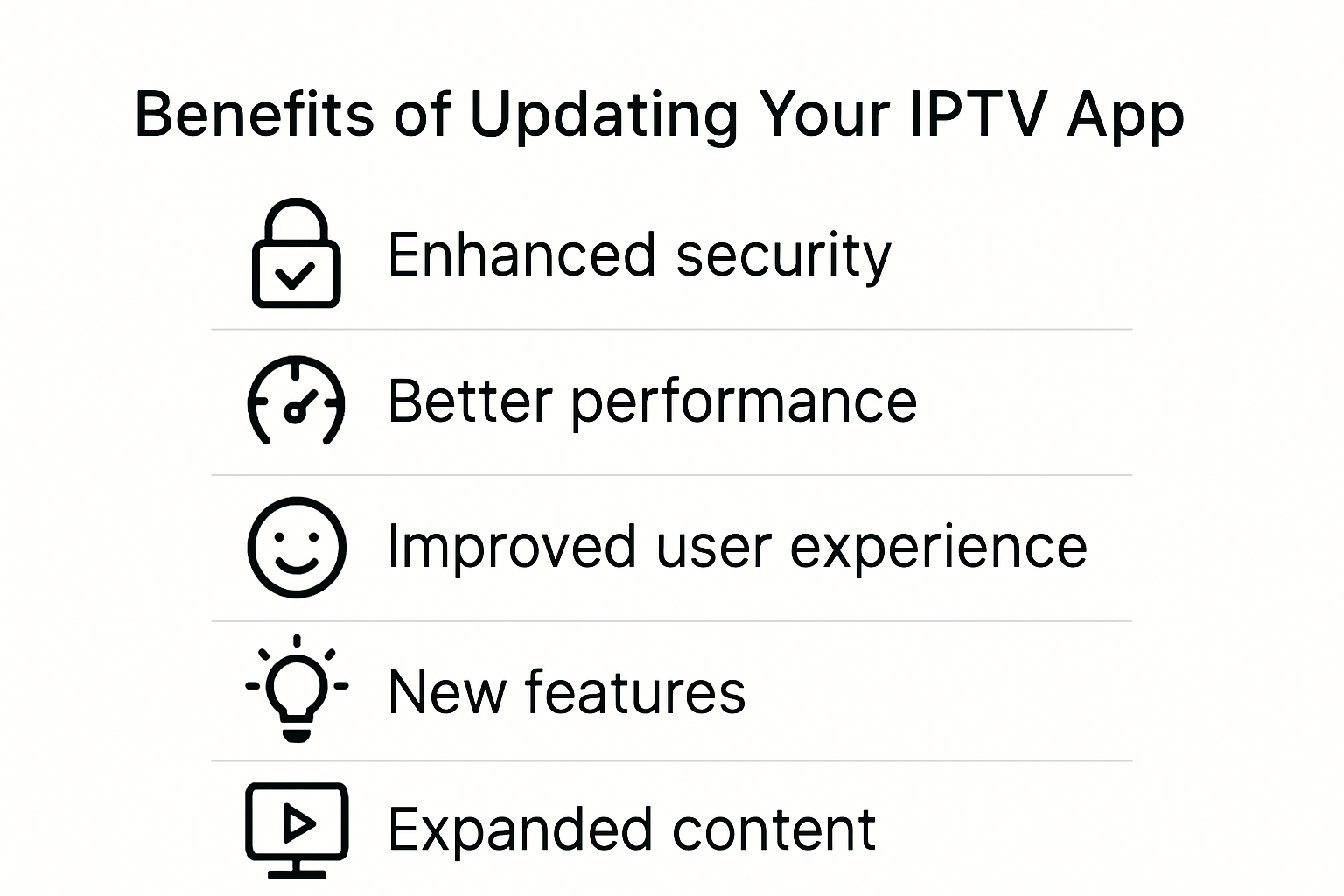
Software updates are fundamental to protecting your digital streaming environment. Syracuse University’s Information Technology Services emphasizes that regular updates address critical security vulnerabilities that could compromise your streaming device. Hackers continuously develop new methods to exploit outdated software, making each update a crucial shield against potential cyber threats.
Performance improvements are another significant benefit of updating your IPTV app. Developers consistently work on optimizing code, reducing buffering times, improving video quality, and enhancing overall app responsiveness. These incremental improvements might seem small individually, but collectively they transform your streaming experience from acceptable to exceptional.
User Experience and Compatibility
App updates frequently introduce new features and interface improvements that directly impact user experience. Research on mobile app development reveals that experienced developers understand user preferences for apps with recent, meaningful updates. These updates can include:
- Streamlined Navigation: Easier menu structures and more intuitive controls
- Enhanced Playback Controls: More responsive and feature-rich viewing options
- Expanded Content Integration: Smoother connections with different streaming services
Moreover, compatibility is a crucial consideration. As streaming devices and operating systems continuously update, your IPTV app must adapt. An outdated app might become incompatible with newer hardware or software versions, potentially leaving you with a non-functional streaming solution.
Accessing Latest Content and Features
The streaming landscape changes rapidly. App updates often unlock access to new content libraries, improved encoding technologies, and advanced streaming protocols. By keeping your app updated, you ensure you’re not missing out on the latest entertainment options or technological advancements.
Consider updates as your passport to an evolving digital entertainment world. Each update potentially brings higher resolution streams, better audio quality, more stable connections, and expanded channel offerings. Failing to update means potentially limiting your entertainment possibilities and settling for an inferior streaming experience.
In essence, updating your IPTV app is not just recommended it’s essential. It represents a small investment of time that yields significant returns in security, performance, and entertainment quality.
Step-by-Step Guide: Updating IPTV on Any Device
Updating your IPTV app across different devices requires a strategic approach that adapts to various platforms and technological environments. Understanding the universal principles of app updates ensures a smooth and successful process regardless of your streaming device.
Preparing for the Update
Before initiating any update, preparation is key. A patent describing IPTV software update methods highlights the importance of device identification and compatibility verification. Start by checking your current app version and ensuring your device meets the minimum system requirements for the latest update.
Essential pre-update steps include:
- Stable Internet Connection: Ensure a reliable high-speed internet connection to prevent update interruptions
- Battery or Power Source: Connect your device to a power source or ensure sufficient battery charge
- Storage Space: Verify adequate free storage space for the update download
Backup any important settings or recordings before proceeding with the update. This precautionary measure protects your data in case of unexpected installation complications.
Device-Specific Update Procedures
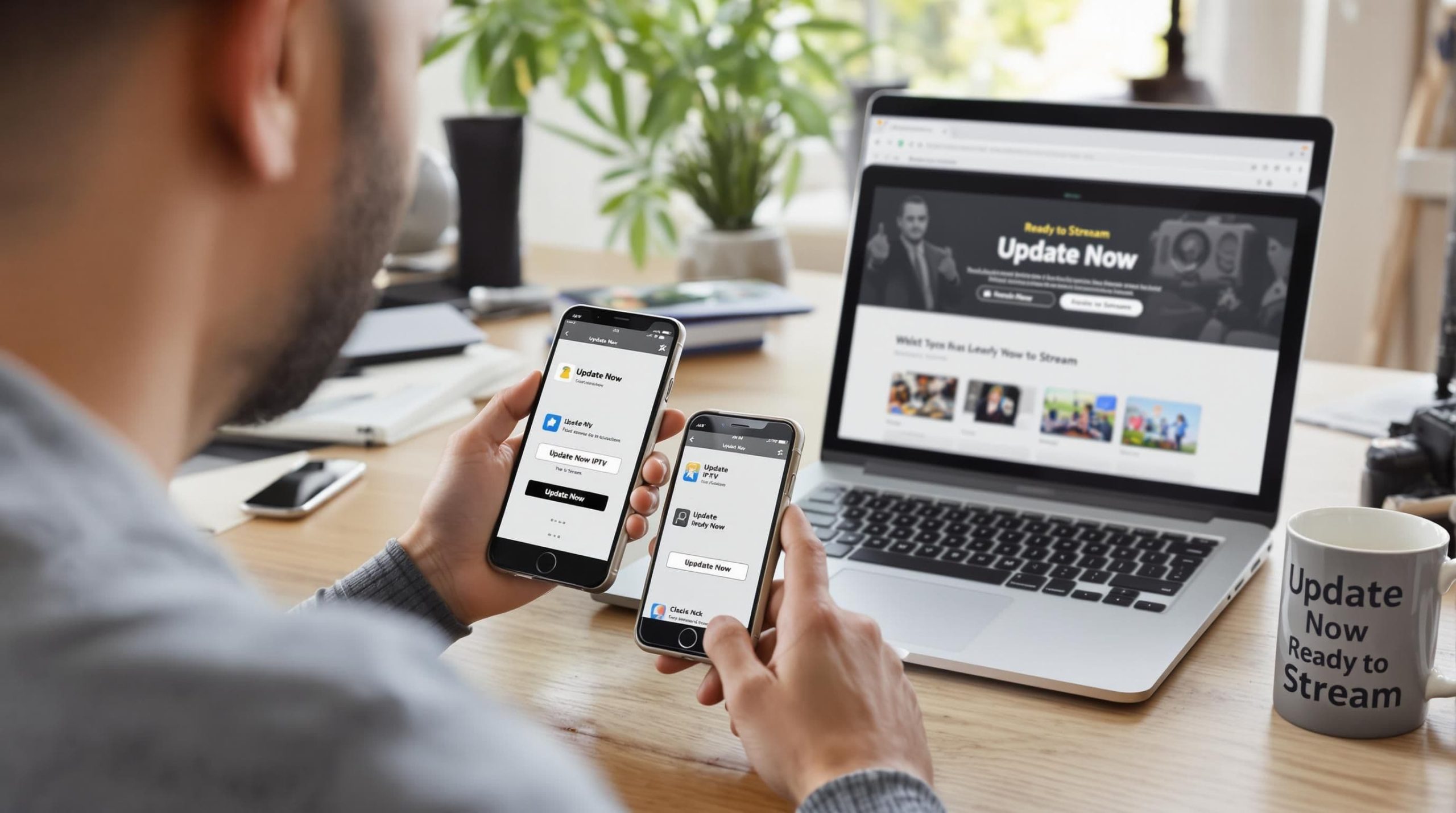
Research on IPTV module upgrades demonstrates that update processes vary significantly across different devices. Here are generalized update approaches for common platforms:
Smart TVs and Set-Top Boxes
- Navigate to the app settings or system menu
- Look for “Software Update” or “App Update” option
- Select “Check for Updates” or “Update Now”
- Follow on-screen instructions
Mobile Devices (Smartphones and Tablets)
- Open device app store (Google Play Store or Apple App Store)
- Go to “My Apps” or “Updates” section
- Find your IPTV app and tap “Update”
- Wait for download and installation completion
Streaming Devices (Roku, Amazon Firestick)
- Access device settings
- Select “System Updates” or “App Management”
- Choose automatic or manual update options
- Confirm and proceed with update
To help compare the IPTV app update process across different devices, below is a table summarizing the key steps for each platform.
| Device Type | Update Method | Typical Steps Summary |
|---|---|---|
| Smart TVs/Set-Top Boxes | System Menu/App Settings | Navigate to settings → Software/App Update → Check & install updates |
| Mobile Devices | App Store (Google Play/Apple App Store) | Open app store → My Apps/Updates → Update IPTV app |
| Streaming Devices | Device Settings (Roku, Firestick, etc.) | Settings → System/App Management → Update options |
Troubleshooting Common Update Issues
Despite careful preparation, update processes can encounter challenges. Common issues include slow downloads, incomplete installations, or compatibility errors. When facing difficulties:
- Restart your device before attempting the update again
- Clear app cache and temporary data
- Uninstall and reinstall the app if persistent problems occur
- Contact your IPTV service provider’s support team for specific guidance
Remember that update frequency and methods can differ between apps and platforms. Some services offer automatic background updates, while others require manual intervention. Stay informed about your specific IPTV app’s update policies to maintain optimal streaming performance.
Troubleshooting Common IPTV Update Issues
IPTV updates can sometimes present unexpected challenges that frustrate even experienced users. Understanding how to effectively diagnose and resolve these issues ensures a seamless streaming experience.
Internet Connection and Network Diagnostics
TechBullion’s comprehensive guide emphasizes that most IPTV update problems stem from network instability. A robust internet connection is the foundation of successful app updates and streaming performance.
Key network troubleshooting steps include:
- Speed Testing: Verify your internet speed meets minimum streaming requirements
- Router Restart: Power cycle your router to refresh network connections
- Bandwidth Management: Close unnecessary background applications consuming network resources
- Direct Ethernet Connection: When possible, use wired connections for more stable updates
If persistent connection issues occur, contact your internet service provider to investigate potential underlying network problems.
App and Device Update Strategies
IPTVUpdates.com recommends a systematic approach to resolving update-related complications. Understanding device-specific nuances can significantly improve your troubleshooting effectiveness.
Comprehensive troubleshooting techniques include:
- Clear app cache and temporary data
- Uninstall and reinstall the IPTV application
- Check for device firmware updates
- Verify app compatibility with your current operating system
Some devices require specific reset procedures. Always consult your device manufacturer’s documentation for precise reset instructions.
Below is a checklist table to help you systematically troubleshoot common IPTV update issues and ensure each critical step is addressed.
| Troubleshooting Step | Action Required | Status (Y/N) |
|---|---|---|
| Restart device | Power cycle device | |
| Clear app cache/data | In app/device settings | |
| Uninstall/reinstall IPTV app | Through app manager | |
| Check device firmware update | System settings | |
| Verify app compatibility | Compare with OS specs | |
| Check/refresh internet connection | Test/restart router | |
| Contact service provider support | If issues persist |
Electronic Program Guide (EPG) Update Challenges
TiviMate’s technical documentation highlights unique challenges related to Electronic Program Guide updates. EPG synchronization issues can disrupt your viewing experience and require targeted interventions.
Addressing EPG update problems involves:
- Verifying EPG source settings
- Checking internet connectivity
- Manually refreshing EPG data
- Confirming subscription status with your IPTV provider
Persistent EPG problems might indicate deeper configuration or service-level issues requiring professional support.
Remember that each device and IPTV service has unique characteristics. Patient, methodical troubleshooting combined with a willingness to seek professional assistance will help you overcome most update challenges efficiently.
Getting the Most from the Latest IPTV Features
The landscape of IPTV technology continues to evolve rapidly, offering users unprecedented opportunities to enhance their streaming experience. Understanding and leveraging the latest features can transform your entertainment consumption from basic viewing to a sophisticated multimedia experience.
Advanced Streaming Technologies
Research from the International Telecommunication Union highlights the critical importance of staying current with multimedia application frameworks. Modern IPTV updates introduce cutting-edge technologies that dramatically improve streaming quality and user interaction.
Key technological advancements include:
- Enhanced Codec Support: Improved video compression technologies that deliver higher quality streams with reduced bandwidth consumption
- Multi-Screen Compatibility: Seamless streaming across different devices and platforms
- Adaptive Bitrate Streaming: Automatic video quality adjustment based on your internet connection
A comprehensive codec study demonstrates how advanced encoding technologies like H.264 can significantly enhance data transmission efficiency, providing viewers with smoother and more reliable streaming experiences.
Personalization and Interactive Features
Modern IPTV apps are moving beyond simple channel viewing, introducing sophisticated personalization options that transform how users consume content. These features leverage machine learning and user data to create tailored entertainment experiences.
Recent Posts
- IPTV vs Satellite TV: Which Is Best for 2025 Streaming?
- How to Update IPTV App Easily for Better Streaming 2025
- What Is M3U Playlist? Streaming Benefits for 2025
- IPTV Download 2025: Stream 4K TV Easily at Home
- Best IPTV TV Services 2025: 4K Streaming and Top Features
- IPTV Parental Controls: Secure Family Streaming in 2025
- How to Set Up IPTV on Smart TV Philips for Ultra HD Streaming 2025
Cutting-edge personalization capabilities include:
- Intelligent content recommendations
- Custom watchlists and favorites
- Predictive viewing suggestions based on viewing history
- Parental control enhancements
- Advanced search and filter functionalities
Performance and User Experience Optimization
The latest IPTV updates focus not just on content delivery but on creating a holistic, user-friendly experience. Developers are implementing sophisticated features that make navigation, content discovery, and streaming more intuitive and enjoyable.
Notable user experience improvements include:
- Faster app launch and navigation
- More responsive user interfaces
- Enhanced electronic program guide (EPG) designs
- Improved accessibility features
- Background content preloading
To maximize these features, users should:
- Regularly update their IPTV applications
- Explore new settings and customization options
- Read release notes to understand new functionalities
- Provide feedback to app developers
The future of IPTV is not just about watching content it’s about creating a personalized, intelligent, and seamless entertainment ecosystem. By staying informed and embracing new technologies, users can transform their streaming experience from passive viewing to an interactive, tailored journey.
Frequently Asked Questions
What are the benefits of updating my IPTV app?
Regular updates improve security, enhance performance, and ensure compatibility with new devices and content, significantly enhancing your streaming experience.
How do I update my IPTV app on smart TVs?
To update your IPTV app on a smart TV, navigate to the app settings or system menu, select ‘Software Update’ or ‘App Update’, and follow the on-screen instructions to check for and install updates.
What should I do if my IPTV app update fails?
If an update fails, restart your device, check your internet connection, clear app cache, or uninstall and reinstall the app as necessary.
Why is my IPTV app buffering after an update?
Buffering can occur due to network instability, compatibility issues, or resource-heavy updates. Check your internet speed, restart your router, and ensure your device is compatible with the latest app version.
Upgrade Your Streaming Experience Instantly
If you are frustrated with buffering, outdated features, or sudden interruptions when watching your favorite IPTV app, you are not alone. Many readers from the article on how to update IPTV apps for better streaming in 2025 have shared the same pain—struggling with lag, missing out on the latest channels, and worrying about lost connections. Keeping your IPTV app up to date is important, but even a fully updated app can only be as strong as the service behind it. Imagine streaming in crisp UHD or 4K with a real-time TV guide and full support on any device, all while enjoying peace of mind with robust privacy and security measures.

Take control of your entertainment right now. Switch to StaticIPTV.live for a platform designed to deliver consistent quality, maximum uptime, and instant access to over 31,000 live channels and an impressive catalog of on-demand content. We offer flexible plans perfect for any household size and the very latest streaming technologies to make the most of your device. Do not let outdated technology ruin your time—visit our main site and see how truly seamless streaming feels today.

Dr. Christopher J. Moore is a U.S.-based authority in IPTV and network engineering with more than 20 years of hands-on experience. He specializes in optimizing digital streaming infrastructure and offers practical, expert insights on StaticIPTV.live to help users improve performance and reliability.
Education
-
Ph.D. in Network Engineering – Moscow Institute of Physics and Technology
-
M.S. in Computer Science – Stanford University
Publications & Recognition
-
“Optimizing IPTV Streaming for Enhanced User Experience” – IEEE Transactions on Multimedia
-
Award for Excellence in Network Engineering – Russian Academy of Sciences
-
Featured contributor on IPTV innovation in Communications of the ACM
-
Keynote speaker – International Conference on Network Protocols
Dr. Moore continues to bridge complex network technology with real-world IPTV solutions, making him a trusted voice in the industry.